


For dental practices with a Google page

The nervous patient reads your reviews long before they pick up the phone

Anxiety is what stops people booking, and a stock photo of a smile does nothing about it. Prizz turns the patient who wrote “first time I felt comfortable” into a post on your feed, and tells you when the next one lands.

  • 3 free posts a month
  • No card
  • No watermark
  • Under a minute to set up
How it works

Two taps between a review and a post

No design tool, no scheduling app, nothing to learn

A review lands

Prizz watches your Google page for you. A new five-star review pings your phone

Tap the notification

It opens straight onto that review’s finished post ready to share, with your layout, colours, logo, and the caption already written.

Tap share

Pick Instagram from the share sheet. The image and the caption go with it. Start to finish, about fifteen seconds.

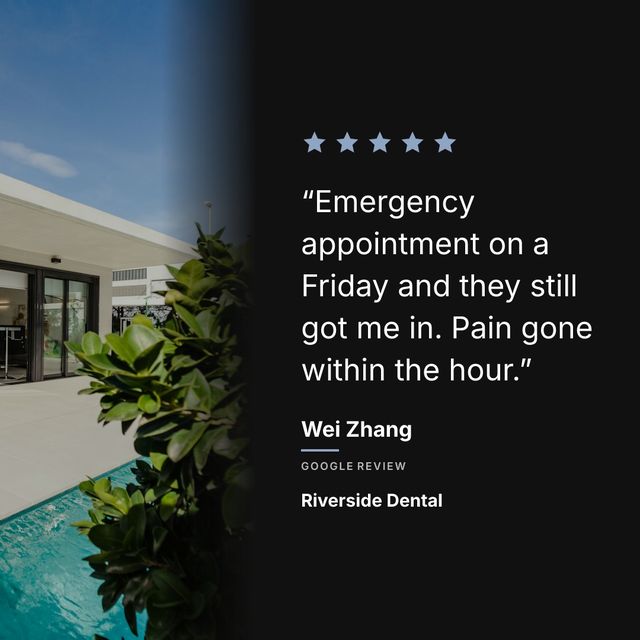
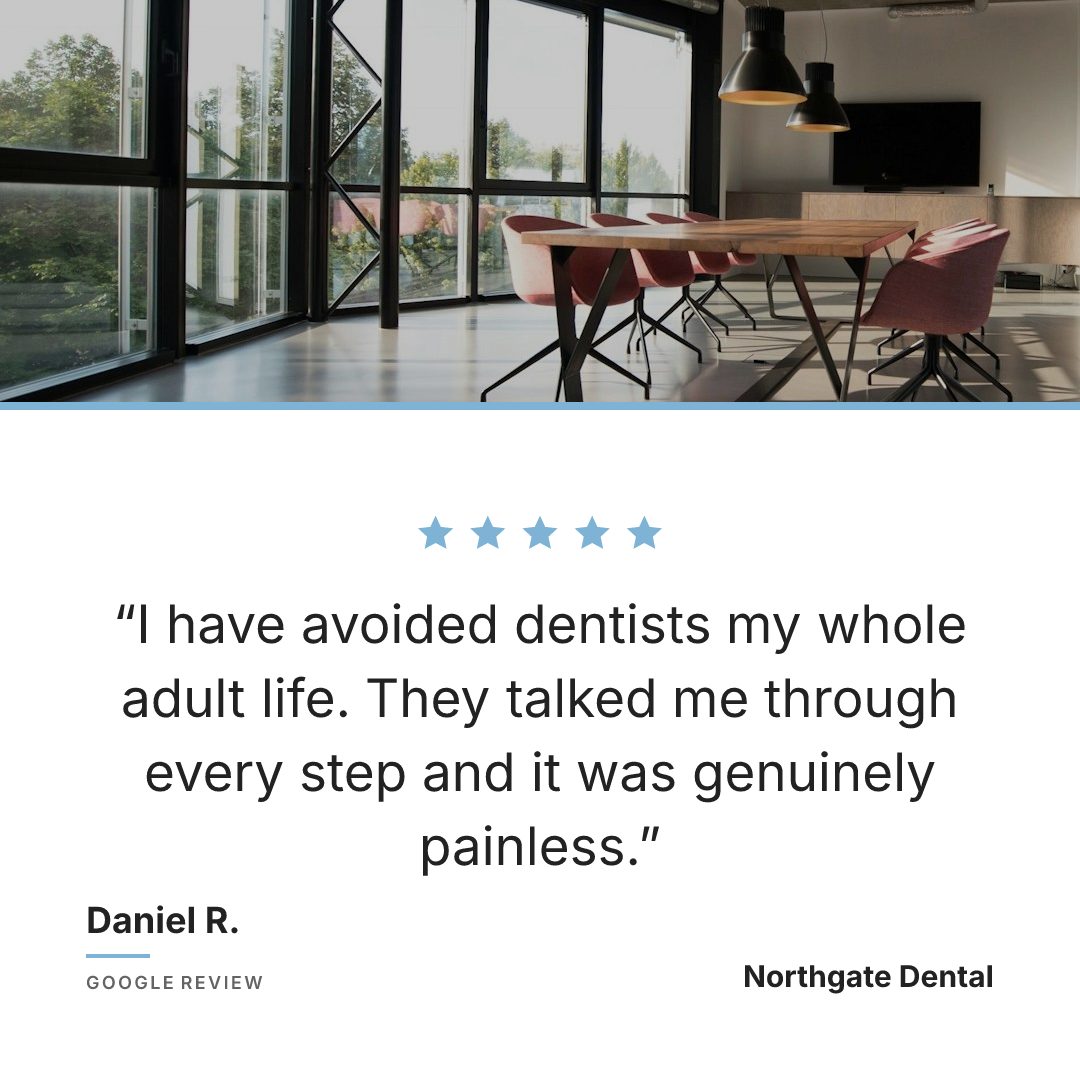
A five-star Google review for a dental practice, laid out as a calm, clinical Instagram post
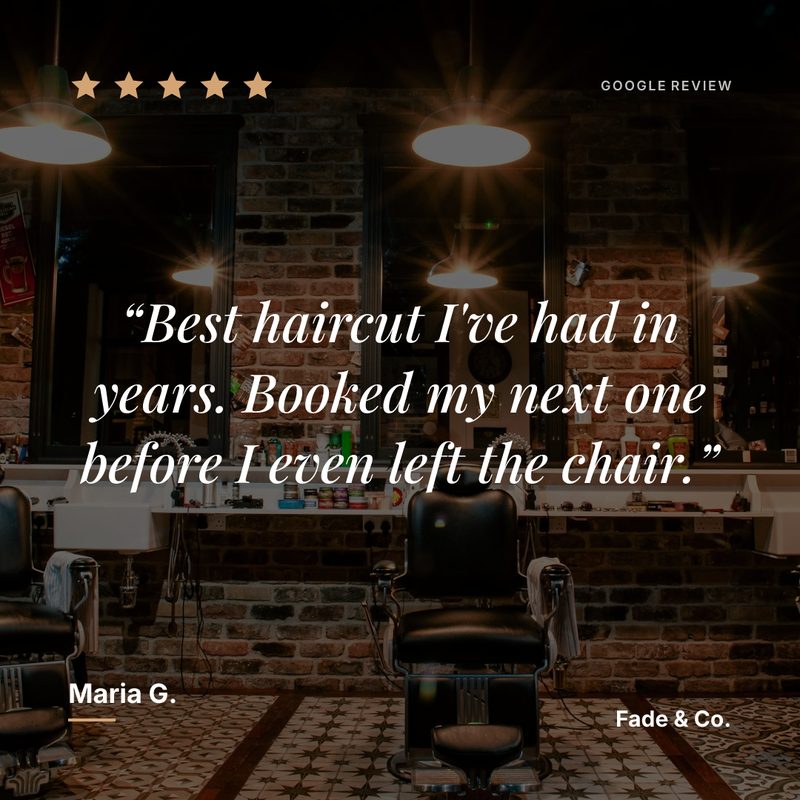
An example post, generated by Prizz.

The most common reason someone puts off booking a dentist is fear. When they read “I’ve been terrified of dentists my whole life and this was the first time I felt comfortable”, that does more than any stock photo of a smile.

Why dental practices use Prizz

Most practice accounts are clinical photography, stock images and oral hygiene tips. Review posts stand out because they sound like a person. A patient describing their own appointment is more convincing than anything you could write about the practice yourself.

Which reviews to post

Reviews that address fear are your most valuable. A nervous patient writing “painless and professional” is speaking directly to every other nervous patient looking at your feed.

Reviews about the staff and the room come next, because they answer the question a new patient is actually asking: what will it be like when I walk in.

How to set them up

A calm layout suits this better than a bold one. Use a photo of your waiting room or a plain ground in your practice colours, and keep the type quiet.

For more ideas, read our guide on Instagram post ideas for dentists.

Pricing

Start free. Upgrade when it’s bringing people in.

One new customer a month pays for a year of Pro.

Free

$0
forever
  • 1 business
  • 3 posts per month
  • All templates
  • Push notifications
  • Full brand customisation
  • No watermark
Start free

Pro annual

Coming soon
$120
per year — works out at $10/month
  • Up to 5 businesses
  • Unlimited posts
  • Everything in Free
  • Two months free vs monthly
Straight answers

What dental practices ask before they sign up

Is posting a patient review a privacy problem?

The reviews Prizz reads are the ones already published publicly on your Google page, under the name the patient chose to publish them with. Prizz reproduces what is there without altering it. If a review says more than you are comfortable republishing, do not post it.

Our reviews are quite long. Do they fit?

A long review is set smaller, and Prizz shows you the finished image before you share it. If it reads badly at that size, pick another one.

Do you need access to our practice management system?

No. Prizz reads the public Google Maps page anyone can see. You paste the link, and that is the whole connection.

Your best review is sitting on Google where nobody looks

Put it in front of the people deciding whether to book you.

Start showing off my reviews

Free to start. No card. Under a minute.