


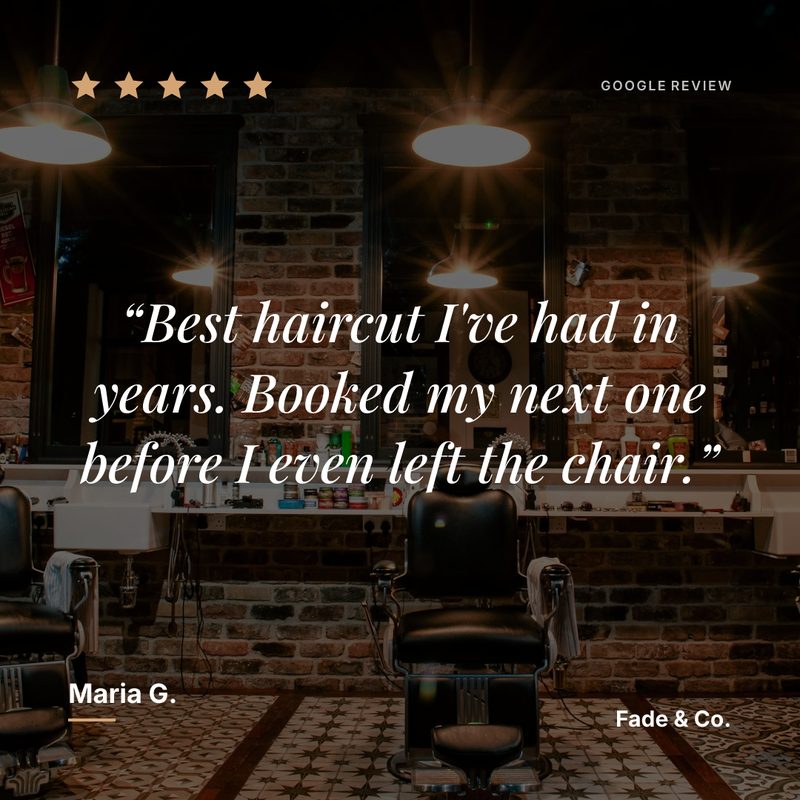
For restaurants with a Google page

Your best table review is sitting on Google where nobody eating tonight will see it

People check your Instagram before they book a table. Prizz turns the reviews your regulars already wrote into posts that make the choice easy, and tells you the moment a new five-star lands.

  • 3 free posts a month
  • No card
  • No watermark
  • Under a minute to set up
How it works

Two taps between a review and a post

No design tool, no scheduling app, nothing to learn

A review lands

Prizz watches your Google page for you. A new five-star review pings your phone

Tap the notification

It opens straight onto that review’s finished post ready to share, with your layout, colours, logo, and the caption already written.

Tap share

Pick Instagram from the share sheet. The image and the caption go with it. Start to finish, about fifteen seconds.

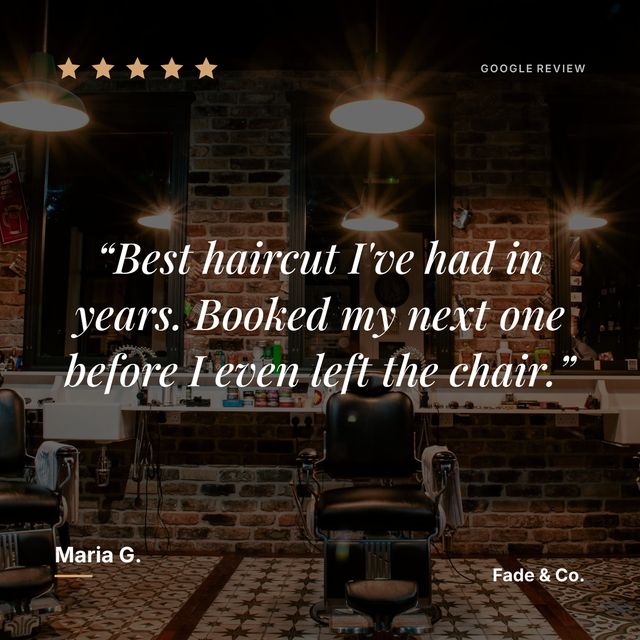
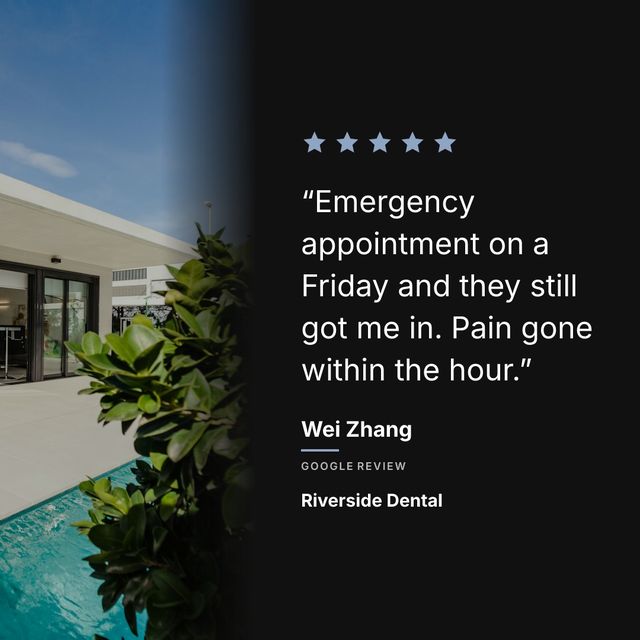
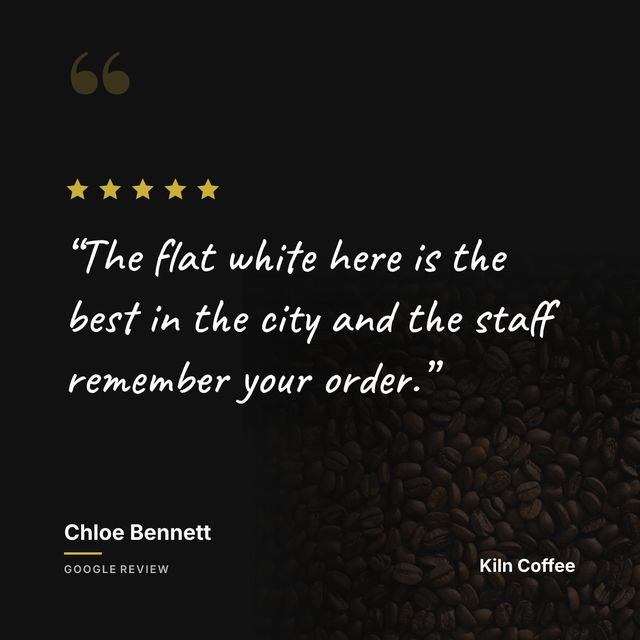
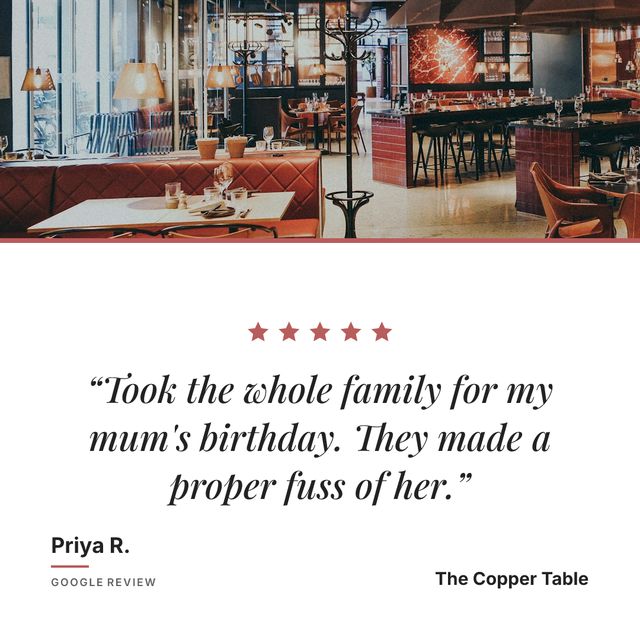
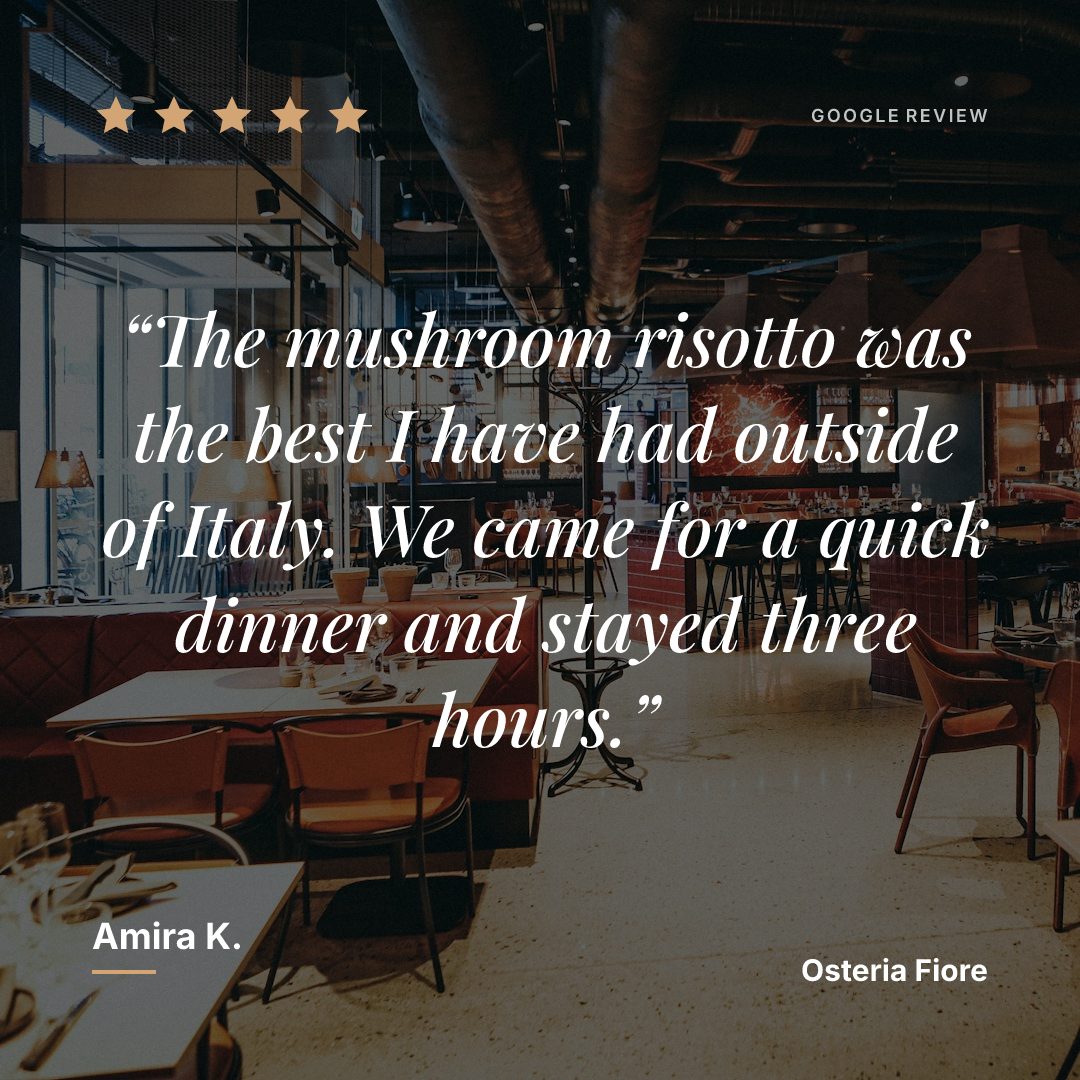
A five-star Google review for a restaurant, laid out as an Instagram post over a photo of the dining room
An example post, generated by Prizz.

Your customers write things like “best burger I’ve had in this city” and “the truffle pasta changed my life”. Those words sell your restaurant better than any photo you could take of the plate.

Why restaurants use Prizz

A restaurant’s Instagram has to do two jobs. It has to make people hungry, which your food photos already do, and it has to make people trust you, which they do not. That second job is what a review post is for. Someone scrolling past five of your reviews, each one naming a dish or a night out, is closer to booking a table than any menu photo will get them.

Which reviews to post

Reviews that name a dish. “Great food” is forgettable. “The mushroom risotto was the best I’ve had outside of Italy” makes somebody crave risotto, and that is the review worth putting on your feed.

Reviews about an occasion work almost as well. A birthday your staff made a fuss of, an anniversary, a table of twelve that ran late and nobody minded. Those describe the evening a reader is imagining having.

How to set them up

Use a photo of your dining room as the background rather than a plain colour, and set your type once so every post afterwards matches. Prizz remembers the choice, so the only decision left on the next review is which one to post.

For more ideas, read our guide on Instagram marketing ideas for restaurants.

Pricing

Start free. Upgrade when it’s bringing people in.

One new customer a month pays for a year of Pro.

Free

$0
forever
  • 1 business
  • 3 posts per month
  • All templates
  • Push notifications
  • Full brand customisation
  • No watermark
Start free

Pro annual

Coming soon
$120
per year — works out at $10/month
  • Up to 5 businesses
  • Unlimited posts
  • Everything in Free
  • Two months free vs monthly
Straight answers

What restaurants ask before they sign up

Do I need photos of my food to use this?

No. A review post can sit on a plain background in your colours, on a photo of your dining room, or on one of the stock backgrounds Prizz ships with. If you do have a good shot of the dish a review names, use it, because the two together are stronger than either alone.

What if a review mentions a dish we no longer serve?

Skip it. Nothing is posted automatically. Prizz lists your reviews and you choose which ones become posts, one at a time.

We have three locations. Does that work?

Yes. Each location is a Google page, and Pro covers up to five of them. Every location keeps its own reviews, its own branding and its own notifications.

Your best review is sitting on Google where nobody looks

Put it in front of the people deciding whether to book you.

Start showing off my reviews

Free to start. No card. Under a minute.