


For salons with a Google page

Turn what your clients say about their hair into the post that books the next chair

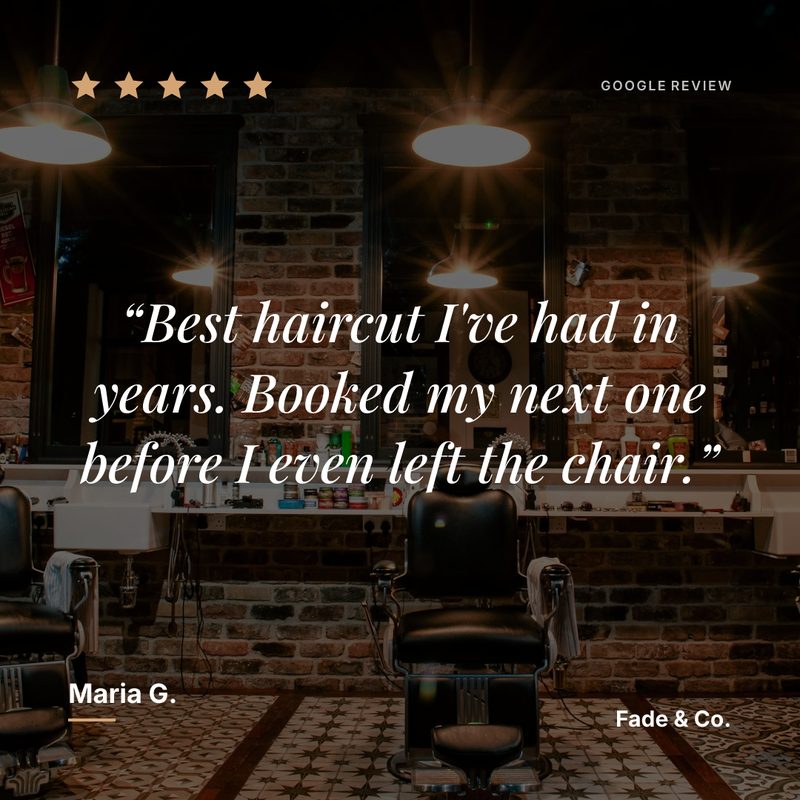
Nobody books a stylist they have never met without reading about someone who did. Prizz turns the reviews you have already earned into posts in your salon’s colours, and pings you when a new one arrives.

  • 3 free posts a month
  • No card
  • No watermark
  • Under a minute to set up
How it works

Two taps between a review and a post

No design tool, no scheduling app, nothing to learn

A review lands

Prizz watches your Google page for you. A new five-star review pings your phone

Tap the notification

It opens straight onto that review’s finished post ready to share, with your layout, colours, logo, and the caption already written.

Tap share

Pick Instagram from the share sheet. The image and the caption go with it. Start to finish, about fifteen seconds.

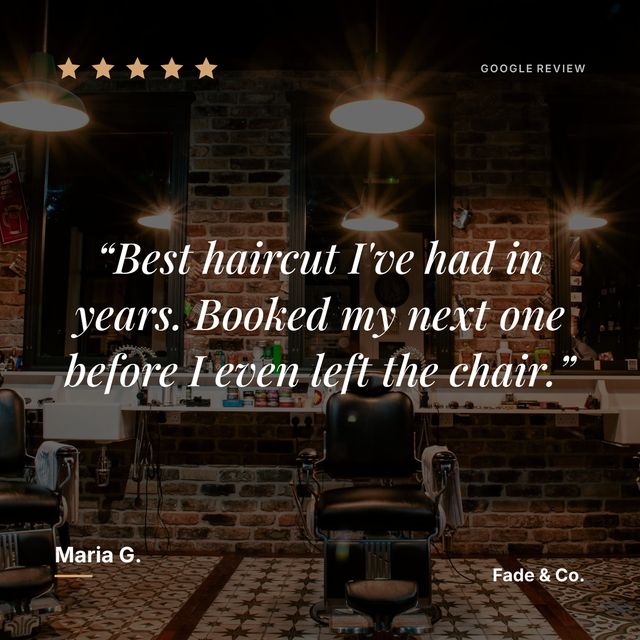
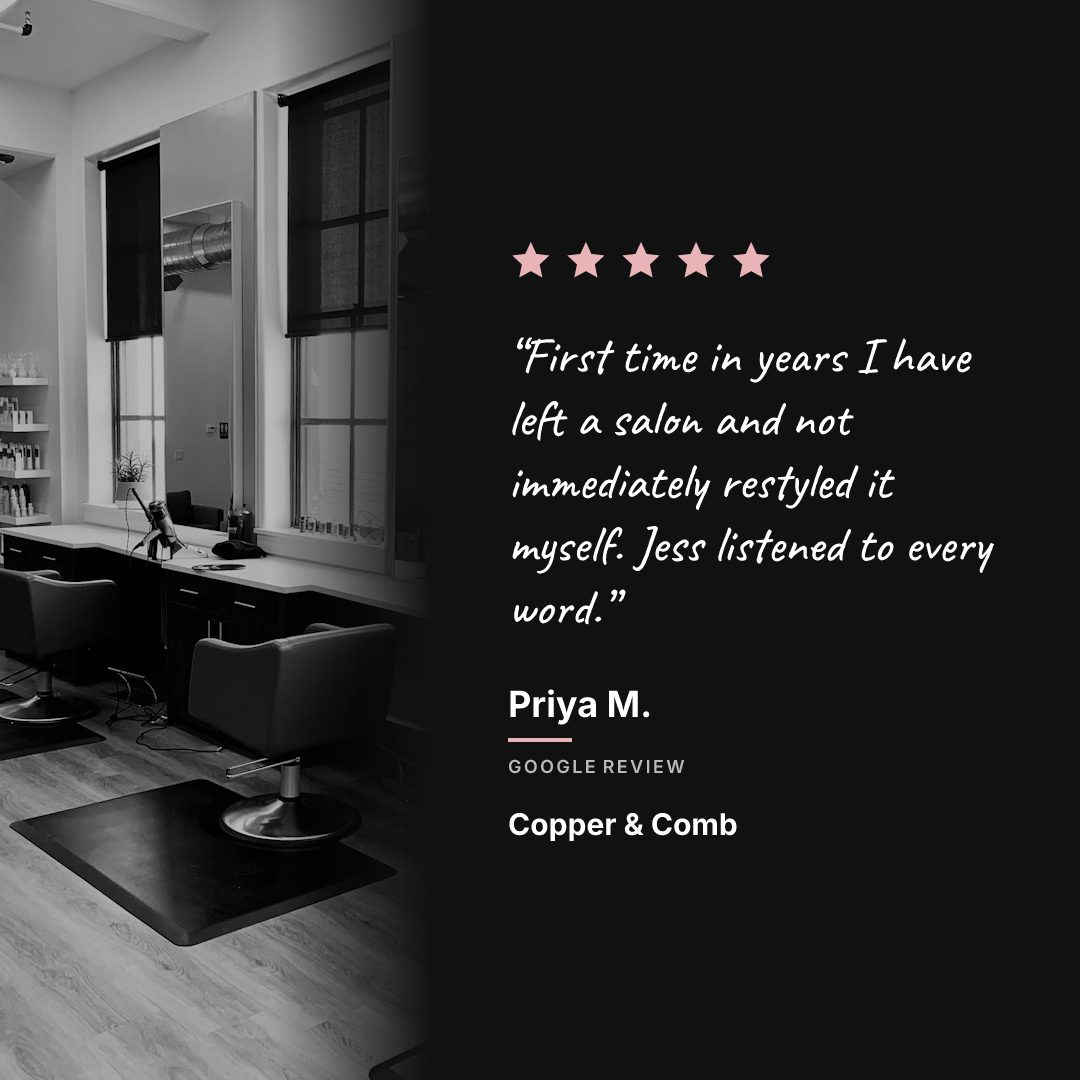
A five-star Google review for a salon, laid out as an Instagram post in a handwritten quote face
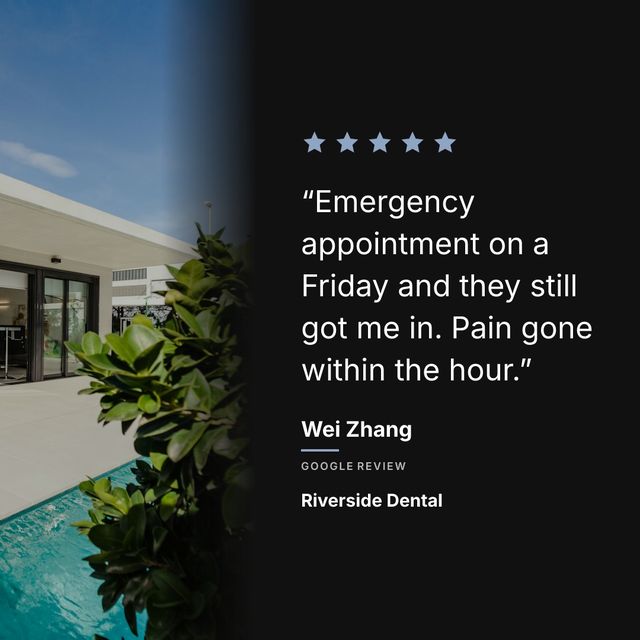
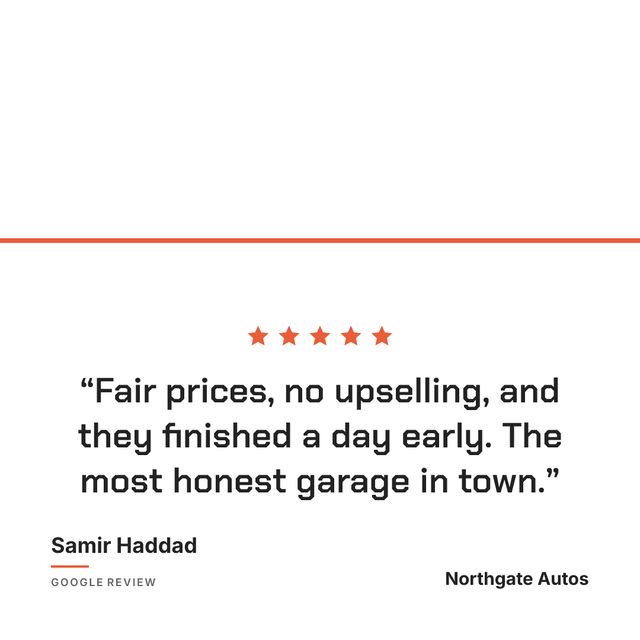
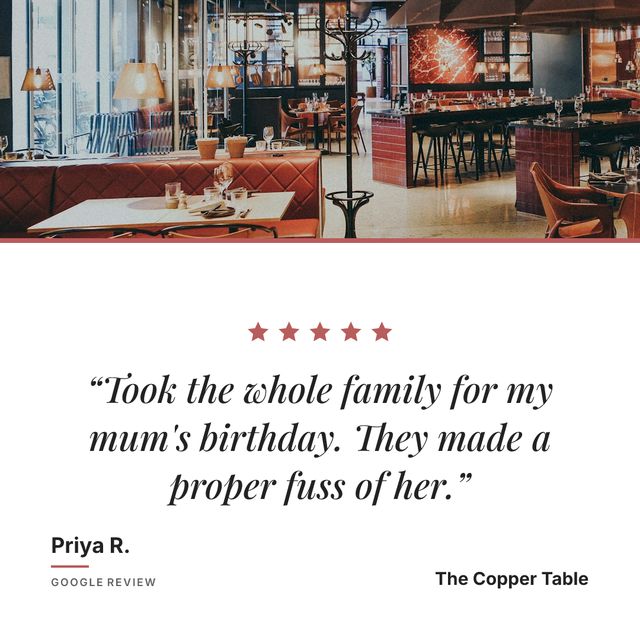
An example post, generated by Prizz.

When a client writes “my hair has never looked this good, I’ve gotten compliments all week”, that is your best advertisement, and it is currently on a page nobody visits.

Why salons use Prizz

A salon feed is usually transformation photos: before and after, showing what the stylist can do. That proves skill. It does not prove what the two hours in the chair were like, and that is the part a new client is nervous about. A review post covers it in the client’s own words, next to the pictures that show the result.

Which reviews to post

Reviews that name your stylist. “Maria did an amazing job” is more personal and more shareable than “great salon”, and the stylist will share it too, which puts your salon in front of their followers rather than only your own.

Reviews about a specific service also earn their place. Balayage, a keratin treatment, a wedding updo. Someone searching for that exact thing recognises it.

How to set them up

Set your colours once in the style wizard and every post after that matches your feed. There is a handwritten quote face if your branding leans soft, and a clean sans if it does not.

For more content ideas, read our guide on Instagram post ideas for salons.

Pricing

Start free. Upgrade when it’s bringing people in.

One new customer a month pays for a year of Pro.

Free

$0
forever
  • 1 business
  • 3 posts per month
  • All templates
  • Push notifications
  • Full brand customisation
  • No watermark
Start free

Pro annual

Coming soon
$120
per year — works out at $10/month
  • Up to 5 businesses
  • Unlimited posts
  • Everything in Free
  • Two months free vs monthly
Straight answers

What salons ask before they sign up

Can I put my stylist’s name on the post?

The review carries whatever the client wrote, so if they named your stylist, the post says it. That is the review people share, and it builds your stylist’s following alongside the salon’s.

Will the post match my branding?

You set the colours, the type and the logo once in the style wizard, and every post after that uses them. There is a handwritten quote face if your feed leans soft, and a clean sans if it does not.

Is there a watermark on the free plan?

No. The free plan is three posts a month with every feature, and nothing on the image says Prizz.

Your best review is sitting on Google where nobody looks

Put it in front of the people deciding whether to book you.

Start showing off my reviews

Free to start. No card. Under a minute.