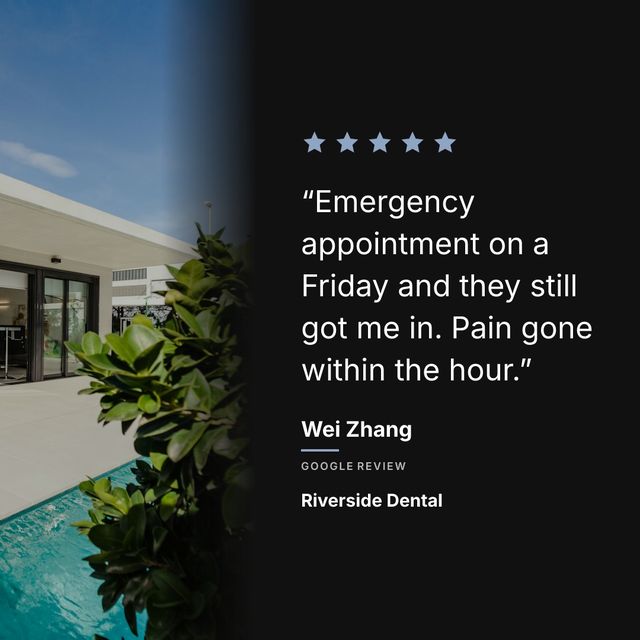
Prizz pulls your reviews in, writes the caption and hands you a finished post in about ten seconds. Canva gives you control over every pixel and asks for fifteen minutes in return. The whole comparison is that trade.
Quick summary:
| Prizz | Canva | |
|---|---|---|
| Time per post | About 10 seconds | 10 to 20 minutes |
| Pulls your reviews in | Yes, from your Google Maps link | No, you type every word |
| Writes the caption | Yes, review text and hashtags | No, you write it |
| Push notifications for new reviews | Yes | No |
| Learning curve | None. Paste a link, pick a review, share | Medium. Many tools, many options |
| Cost for review posts | Free for 3 a month, 10 seconds each | Free, plus 15 minutes of your time per post |
| Photo backgrounds | Stock library curated for local businesses | Canva’s stock library |
| Design control | Layout, colours, font, photo | Full, every pixel |
When Prizz makes sense
You do not enjoy opening Canva every time a good review comes in. You want to post reviews consistently but the manual process keeps you from doing it. You would rather pick a review and tap share than spend 15 minutes adjusting fonts.
Prizz connects to your Google reviews and handles the design automatically. You set your brand colors, pick a layout and background photo, and every post after that matches your brand without any design work.
The difference shows up over time. In month one, Canva feels fine. By month three, most people have stopped making review posts because the process takes too long. Prizz makes it easy enough that you actually keep doing it.
When Canva makes sense
You enjoy designing. You want pixel-perfect control over every element. You have a specific aesthetic for your brand that requires custom layouts. You post reviews once or twice a month and the manual process does not bother you.
Canva is a powerful tool and the result can look great. If you have the time and the inclination, there is nothing wrong with using it.
What about quality?
Prizz uses real background photos (stock or your own), premium fonts (serif and sans-serif options), and a template configurator with four layouts. The output looks professional. It may not match what a graphic designer could create from scratch in Canva, but it looks better than what most non-designers produce in Canva.
The honest comparison: a skilled Canva user will make a better-looking post than Prizz. A busy business owner who just wants their reviews on Instagram will get a better result from Prizz because they will actually do it consistently.
The bottom line
Canva wins on control and Prizz wins on whether the post actually gets made. If you are the kind of person who will open a design tool every time a good review lands, use Canva, and it will look however good you are. If you are honest that you will not, Prizz is three posts a month for nothing, ten seconds each, and they look like somebody designed them.
Using both
Some businesses use Canva for special posts (a big anniversary review, a holiday-themed graphic) and Prizz for the weekly review posts that need to go out regardless. This gives you the best of both: custom design when it matters and automation when it does not.