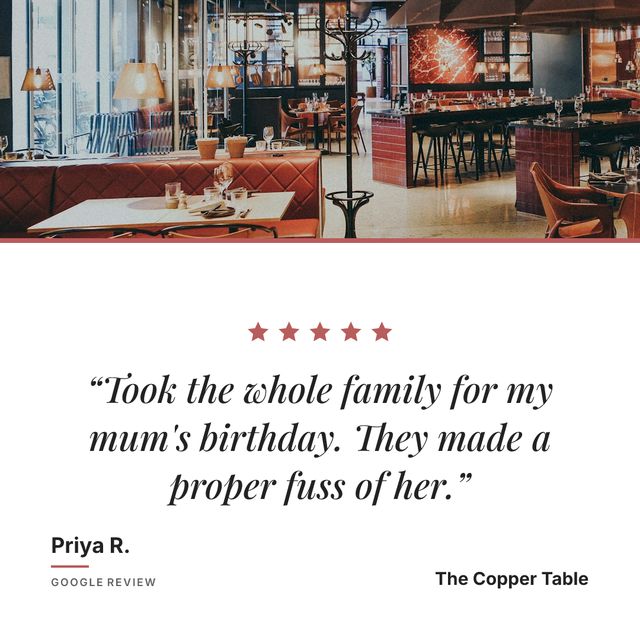
You can turn a Google review into a finished Instagram post without paying anything. There are three free routes, and the difference between them is not money, it is how much of your evening each one takes.
The three free routes:
- A Canva template. Free, dozens to choose from, about 15 minutes a post once you know your way around.
- Your own template in Figma or Photoshop. Free, 30 to 60 minutes to build, then 5 to 10 minutes a post.
- A tool that reads your reviews. Free for three posts a month, about ten seconds a post, nothing to fill in.
The first two give you a file you own and can edit. The third gives you the finished post and no file at all:
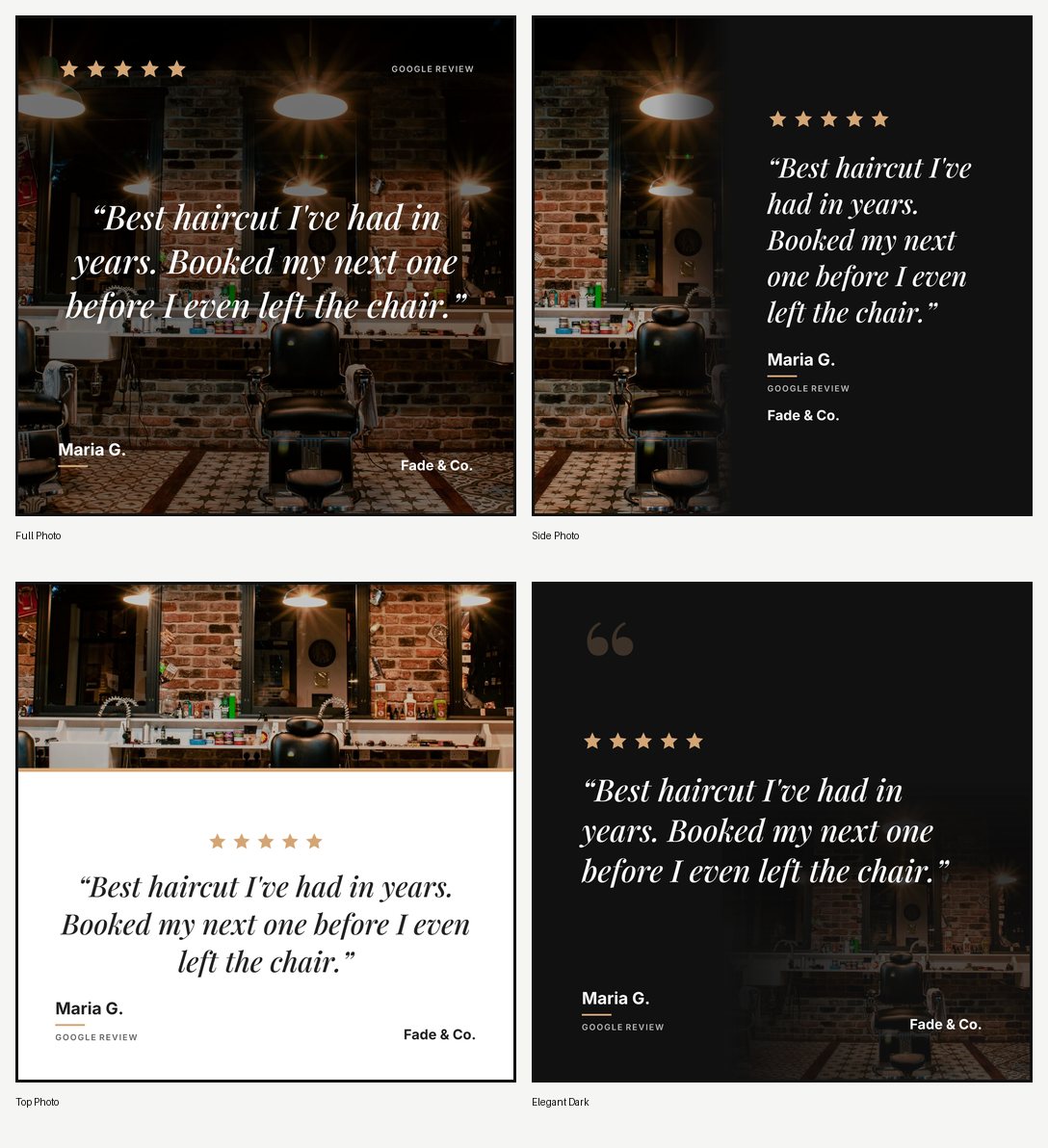
Before you spend twenty minutes finding a template, customising it and exporting it, it is worth knowing that you do that again for every review you post. A template saves you the design. It does not save you the typing, the exporting, the uploading or the captioning.
Here are the three, from most manual to least.
Option 1: Free Canva templates
Canva has dozens of testimonial and review templates you can use for free. Search for “testimonial Instagram post” or “customer review template” in Canva and you will find plenty.
The good: they look professional, they are free, and you have full control over the design.
The bad: you type the review text manually, you adjust the layout when the text is longer or shorter, you export the image, you upload it to Instagram, and you write the caption. For one review, this is fine. For the tenth review, you will wish you had automated it.
Option 2: Paid template packs
Etsy and Creative Market sell template packs specifically for review posts. A pack of 20 to 50 templates typically costs somewhere between $10 and $30, though sellers set their own prices. They usually come as Canva files you duplicate and edit.
The good: more variety than free templates, often designed for specific industries (salons, restaurants, fitness).
The bad: same manual workflow as free Canva templates. You are paying for the design, not for saving time.
Option 3: A tool that generates them for you
This is where Prizz fits. Instead of downloading a template and filling it in, you paste your Google Maps link and the tool pulls your reviews directly. You pick a review, choose a layout and background, and the tool generates the graphic with your brand colors and logo already applied.
You skip the typing, the font adjustments, the exporting, and the caption writing. The tool handles all of it. You choose the review and tap share.
The free tier gives you 3 posts per month with no watermark. If you post more than that, Pro is $15/month for unlimited posts.
What makes a good review template
Whether you use a free Canva template or a tool, the graphic needs to do a few things:
The review text should be readable. That means large enough font, enough contrast against the background, and not too many words crammed into the square. If the review is long, trim it to the strongest sentence or two.
The star rating should be visible. Five gold stars at the top of the graphic immediately tells people this is a review, not a quote from your marketing team.
Your brand should be present. Your logo, your colors, or at least your business name. The post should look like it came from you.
A background photo makes a huge difference. A review graphic with a solid color background looks like a template. The same graphic with a photo of your restaurant, your salon chair, or your product behind the text looks like branded content. If you do not have good photos, a stock photo of your industry works too.
Attribution matters. Include the reviewer’s first name and “Google Review” somewhere on the graphic. It tells people the review is real and where it came from.
The real question
Templates are a solution to a design problem. But the actual problem most businesses have is not design. It is consistency. They post a review graphic once, maybe twice, and then stop because the process takes too long relative to everything else they need to do.
If you find yourself designing review posts in Canva and wondering why you are spending your Tuesday night adjusting font sizes, try Prizz. It takes about two minutes to set up and your reviews start arriving as finished posts, ready to share.